Step 1
Download and install the latest
Citrix Workspace
software.
Installation Instructions for Citrix Workspace
Step 2
Locate your
User Handover Document to obtain your Hosted Desktop login link.
This document should be provided by your company's authorised user or IT liaison.
Your username and password can also be found in your User Handover Document.
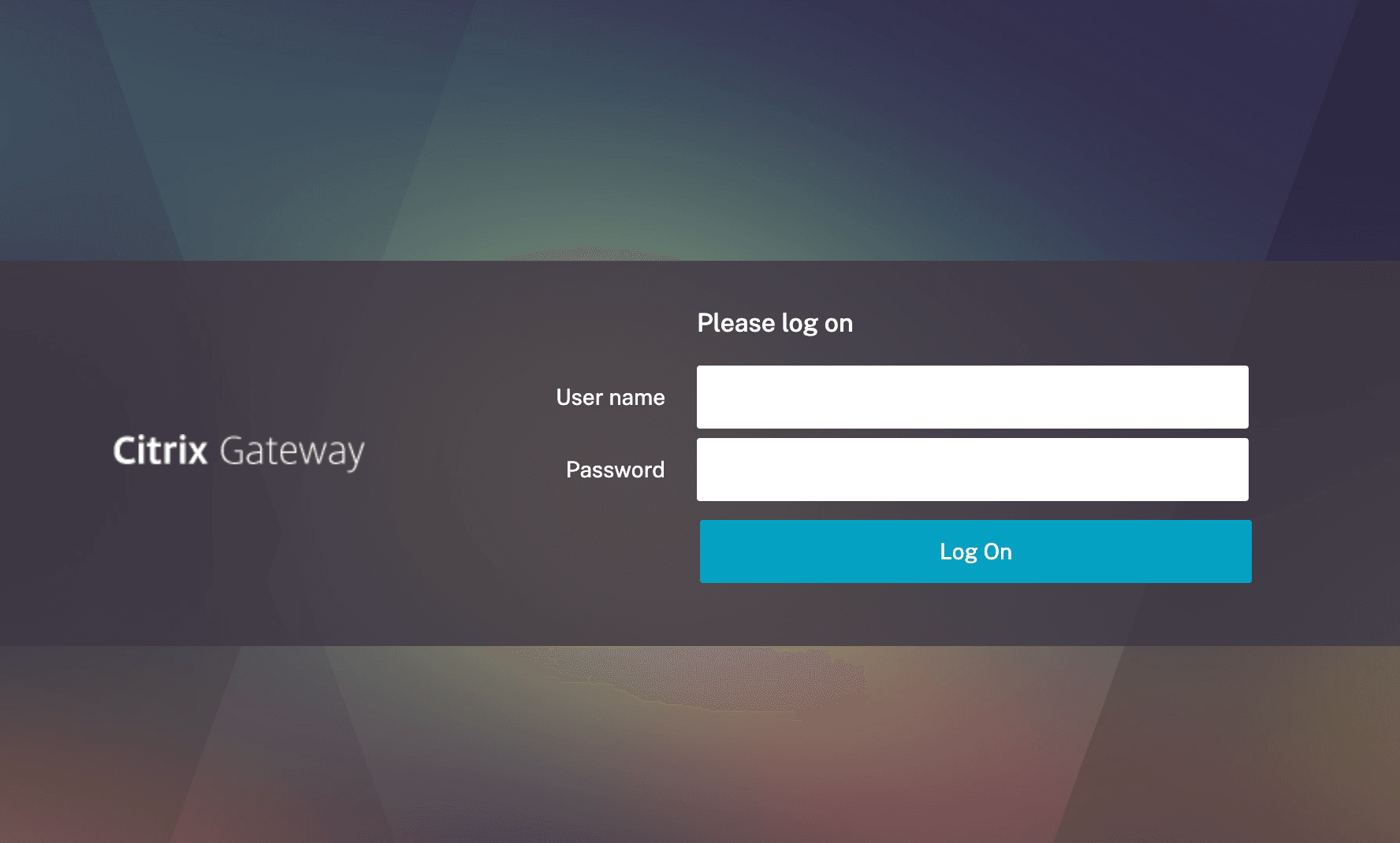
Open your preferred web browser and navigate to the login link provided.
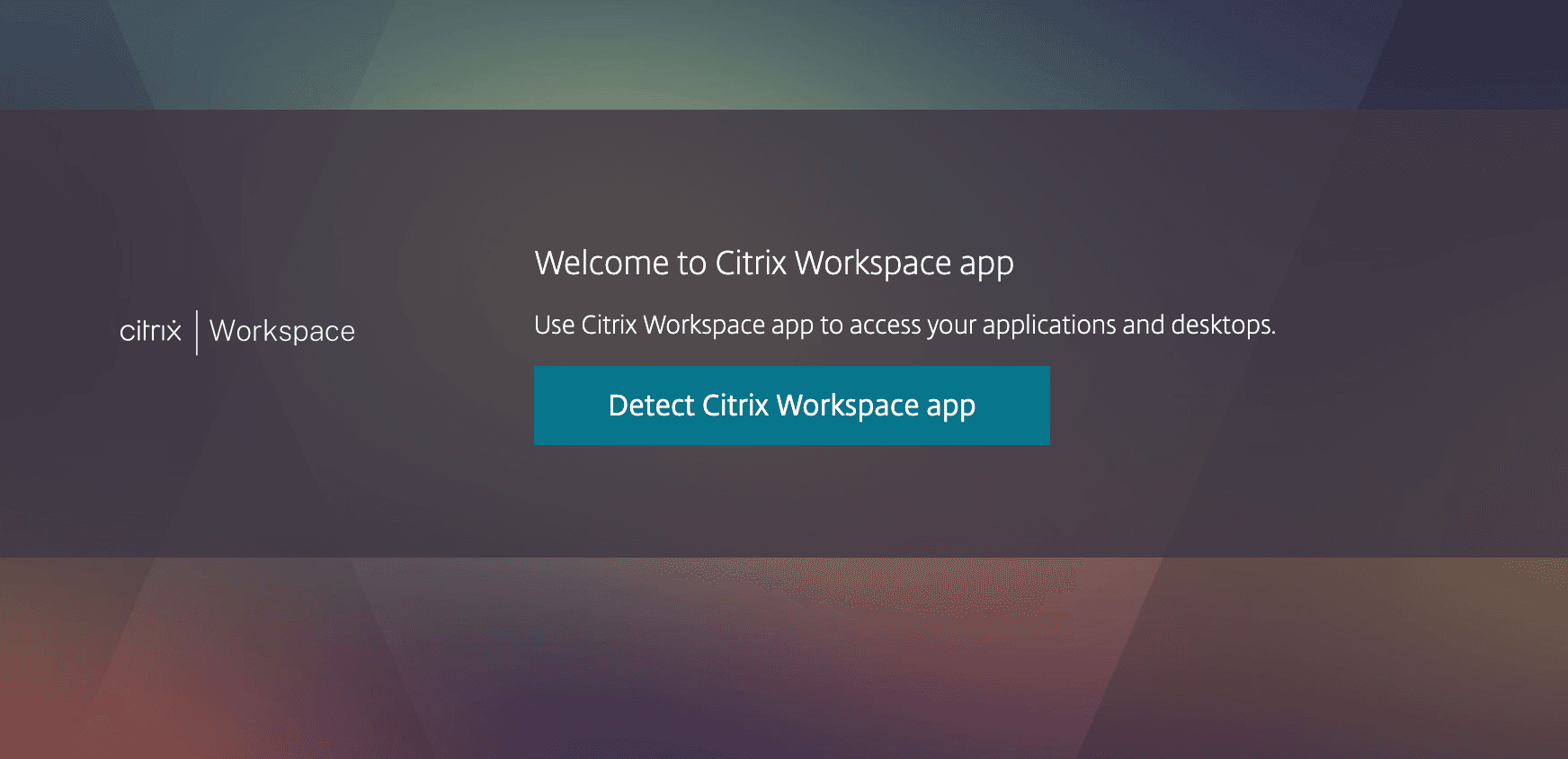
When prompted, select
Option 2 – Detect Again / Already Installed, as shown below.
Step 3
After logging in, you will see the Hosted Desktop portal.
Click
Hosted Desktop to launch your remote desktop.
For the best experience, we recommend using
Google Chrome or
Microsoft Edge.
When you have finished working, sign out of your Hosted Desktop by
right-clicking the
Start button and selecting
Sign Out, as shown below.
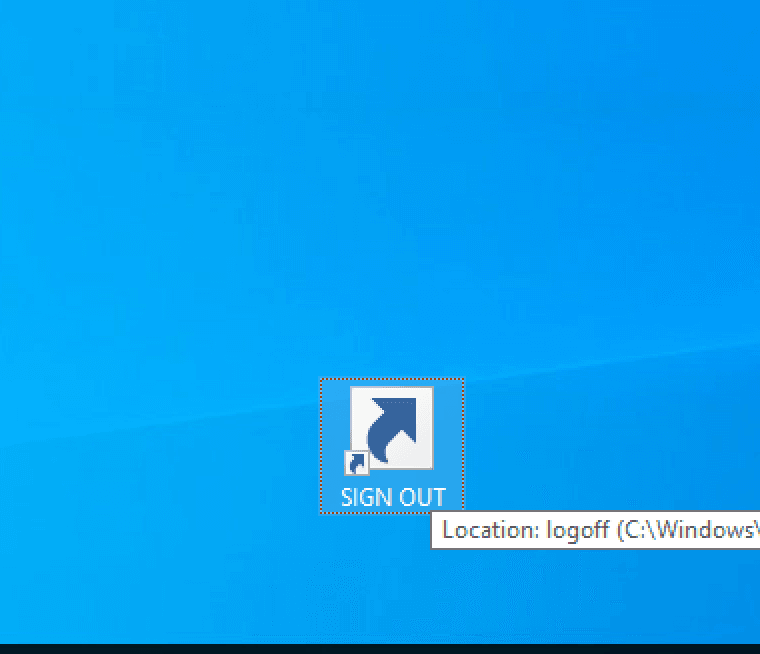
Alternatively, your desktop may include a dedicated
Sign Out shortcut.
 End.
End.