
Office networking that keeps your business connected
From structured cabling and WiFi optimisation to firewalls and switch stacking, we network your entire infrastructure, whether you are launching a new site or planning an office move.
Network designCablingOffice WiFiFirewalls
15 minAverage ticket response
24/7Helpdesk support
ISO 27001Accredited
17+ yearsSupporting UK business
The foundation everything else runs on
In a modern office, computers, printers, phones and devices are networked together to share files and resources. A well-designed network keeps applications fast, secure and reliable, and gives you room to grow.
- Network design: built around your people, devices and applications
- Switching and routing: business-grade equipment, configured and documented
- Firewalls and segmentation: guests, devices and sensitive systems kept separate
- Cabling: structured cabling for new sites and relocations
- Remote monitoring: faults addressed before staff notice
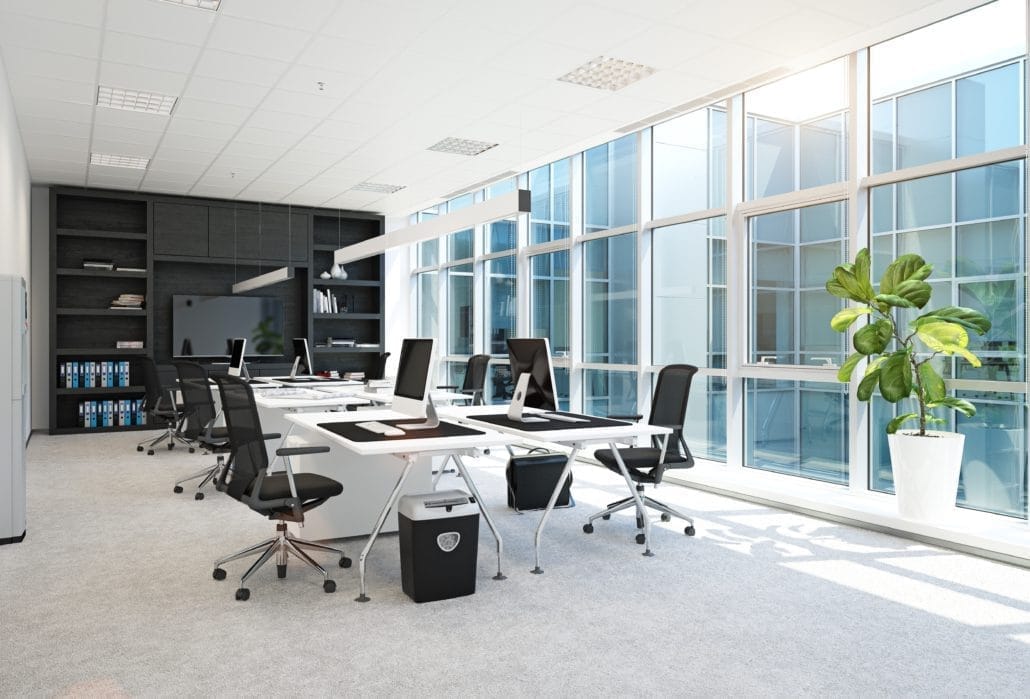
What office networking covers
Everything needed to connect your site.
Local area networks
Computers connected through central switches and routers over Ethernet, sharing files and printers.
Wireless networks
Office WiFi that lets staff move around and stay connected.
Cloud-based networks
Files and resources shared securely from anywhere with an internet connection.
Server-based networks
Dedicated servers for file storage and management in larger offices.
Firewalls and segmentation
Managed firewalls and separate networks for guests and sensitive systems.
Documentation
Diagrams, configurations and credentials recorded centrally.
How an office network fits together
Your internet connection feeds a firewall, then switches, then every device in the building.
Internet
Leased line or broadband
Failover link
SD-WAN
Firewall
Managed firewall
Segmentation
Monitoring
Switching and WiFi
Core switches
Structured cabling
Access points
Your devices
Computers
Phones
Printers and guests
Planned and documented from day oneWe specify, configure and document everything before move-in, so a new office works from day one.
For new offices and relocations
Where good planning pays off most.

New office and relocation
We specify switching, firewalls, cabling, internet with failover and WiFi, then configure and document everything before you move in.
Taking over an existing network
We document what is there, fix weaknesses, then manage and monitor it.
More than one office
Offices can be linked and managed from one place.
Support that stays
Remote monitoring and a 24/7 helpdesk keep the network healthy after installation.
How an office networking project works
Four stages from survey to monitoring.
1
Survey
We review the space, devices, applications and current network.
2
Design
We specify equipment, layout, security and capacity.
3
Install
We configure the equipment and coordinate the cabling.
4
Monitor
We track performance, document the network and support your staff.
Questions about office networking
What businesses ask us most.
What is included in office networking services?
Design, switching and routing, firewalls, WiFi, cabling coordination, monitoring and documentation, delivered as part of managed IT.
Can you install network cabling?
Yes. We coordinate structured cabling so you have one point of contact from design to handover.
How do you keep an office network secure?
Managed firewalls, segmentation, patched devices, monitoring and separate networks for guests and sensitive systems.
Can you take over a network someone else installed?
Yes. We document the existing setup, fix weaknesses, then manage and monitor it.
Can you support more than one office?
Yes. Offices can be linked and managed from one place.
Related IT services
Planning a new office or move?
Book a free consultation and we will survey your site and plan the network.